
GOULYNX / GULAS ONE
Everything you need. In one place.
Your productivity hub for Windows.
Bring tasks, calendars, notes, projects, and files together in one practical workspace. Access useful PC insights and everyday Windows utilities with fewer interruptions and less switching between applications.
View in Microsoft StoreFor Windows · Pricing and availability are shown in Microsoft Store.
DESIGNED FOR EVERYDAY WINDOWS WORK
Depth where it is useful.
This page presents the product’s verified capabilities through genuine promotional visuals. As you continue, each available screen appears in context without requiring a gallery tab or thumbnail selection.
PRODUCT WALKTHROUGH / GULAS ONE
One screen at a time, as part of the workflow.
A clearer starting point
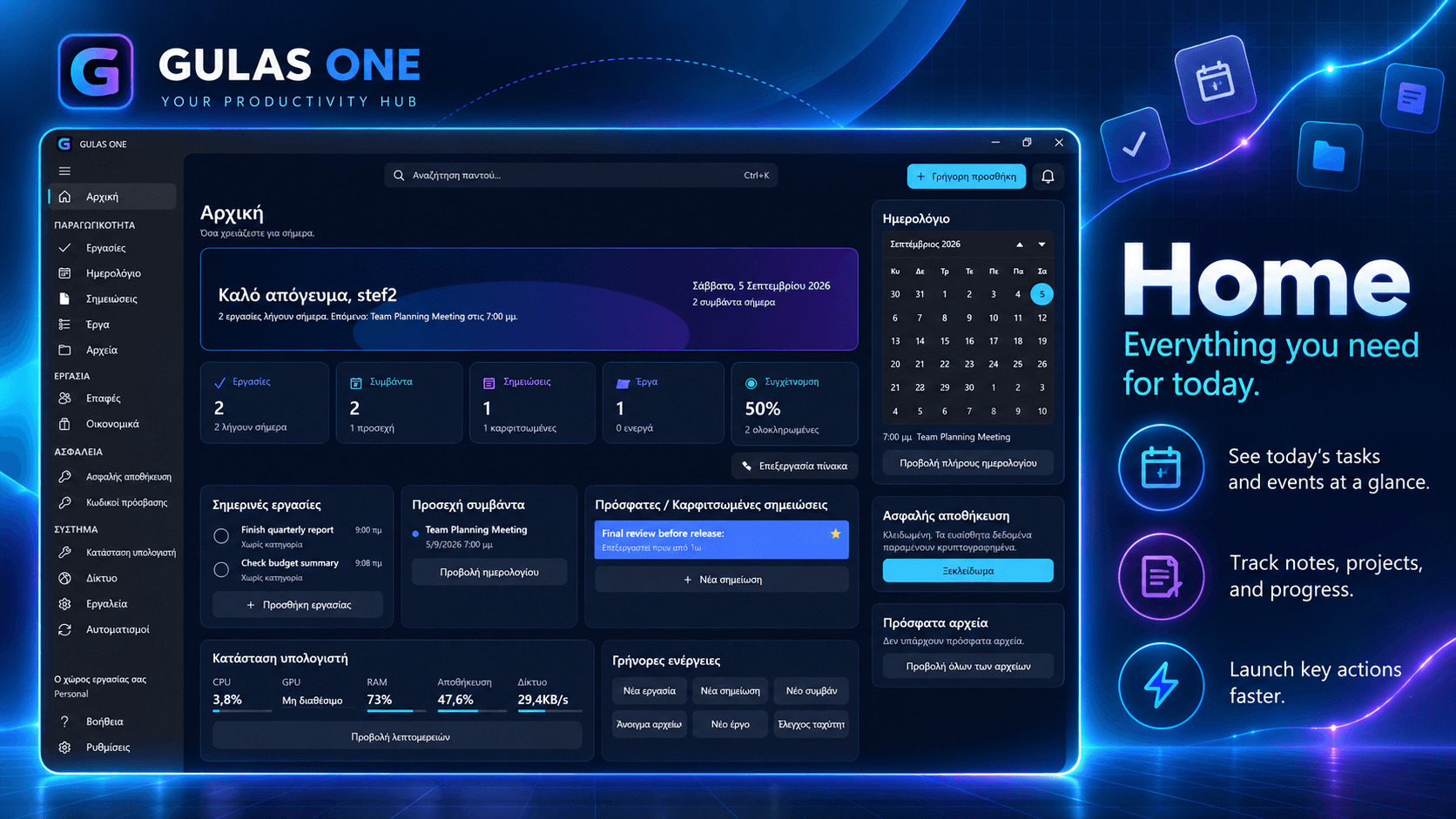
GULAS ONE brings the parts of a working day that usually end up scattered across separate windows into one practical workspace. Tasks, calendar activity, notes, projects, files, contacts, and useful Windows tools can be reviewed from a calmer central view.
Genuine promotional visual from the application.
Tasks that keep context close
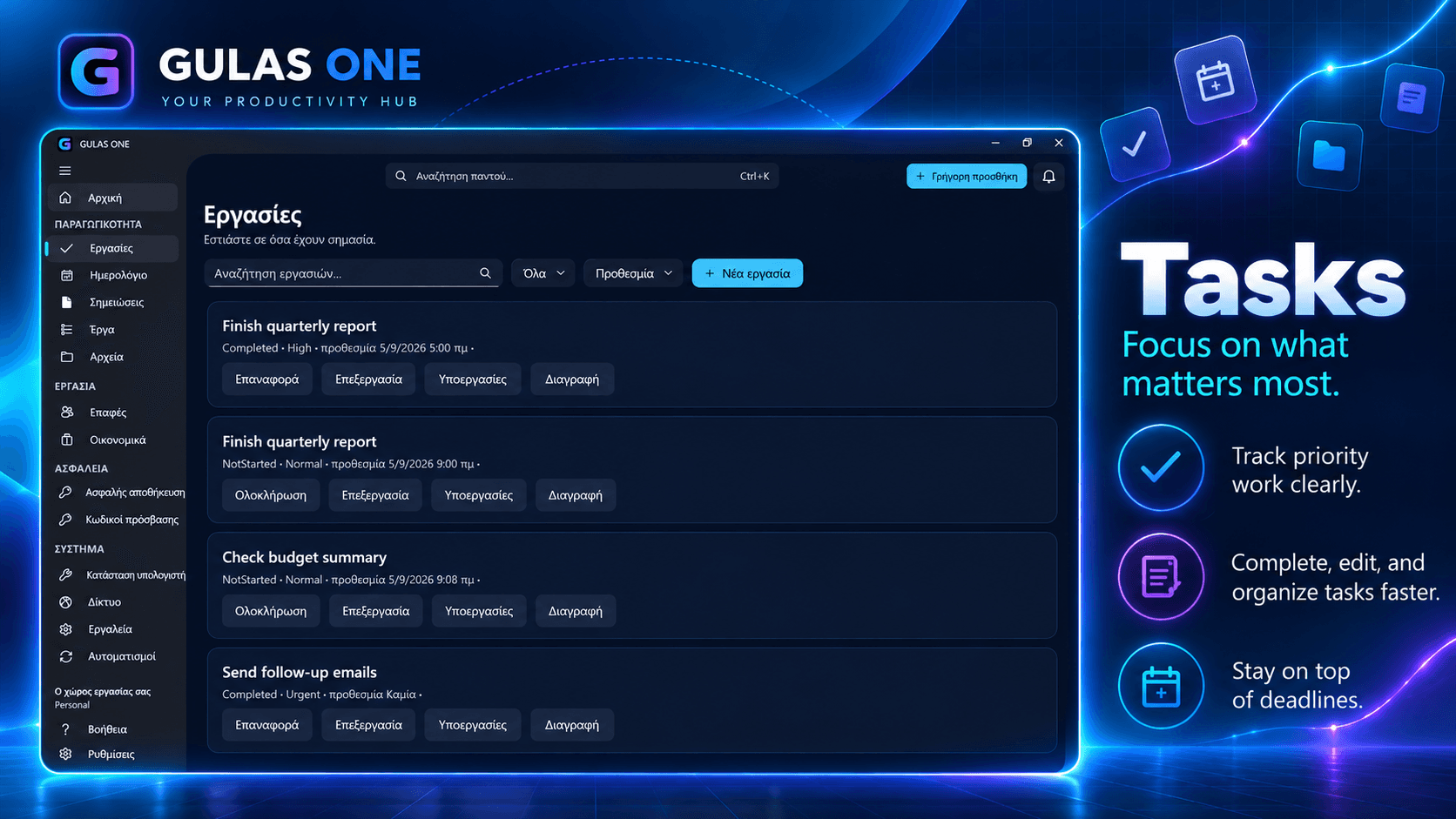
Use task management to turn an intention into a visible next step. Keep priorities and progress close to the rest of your day instead of losing them between notes, messages, and browser tabs.
Genuine promotional visual from the application.
View in Microsoft Store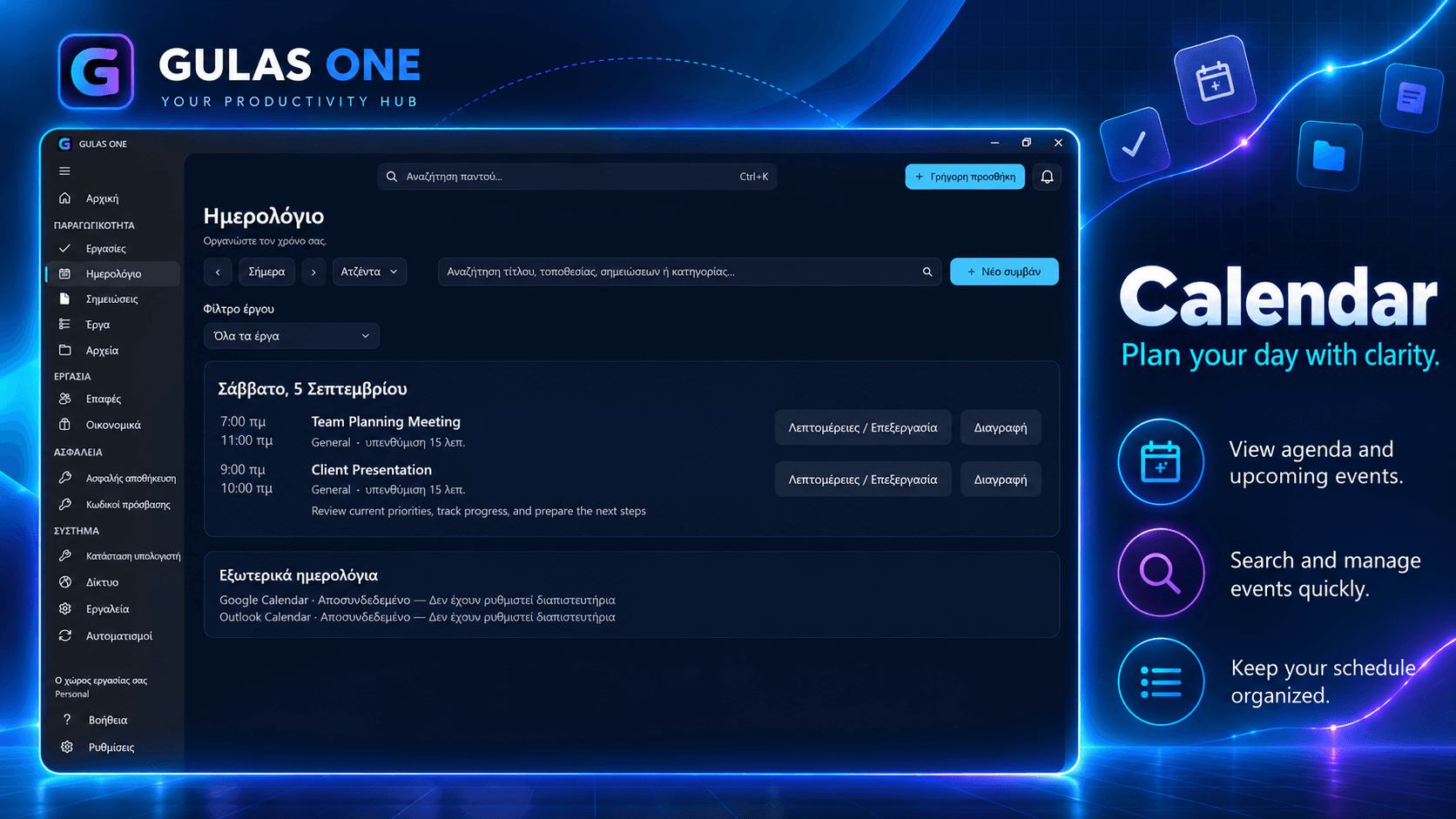
Calendar and daily rhythm
The calendar gives appointments and planned work a dedicated place alongside the items that support them. It is designed for the everyday question of what needs attention now and what is coming next.
Genuine promotional visual from the application.
Useful PC awareness
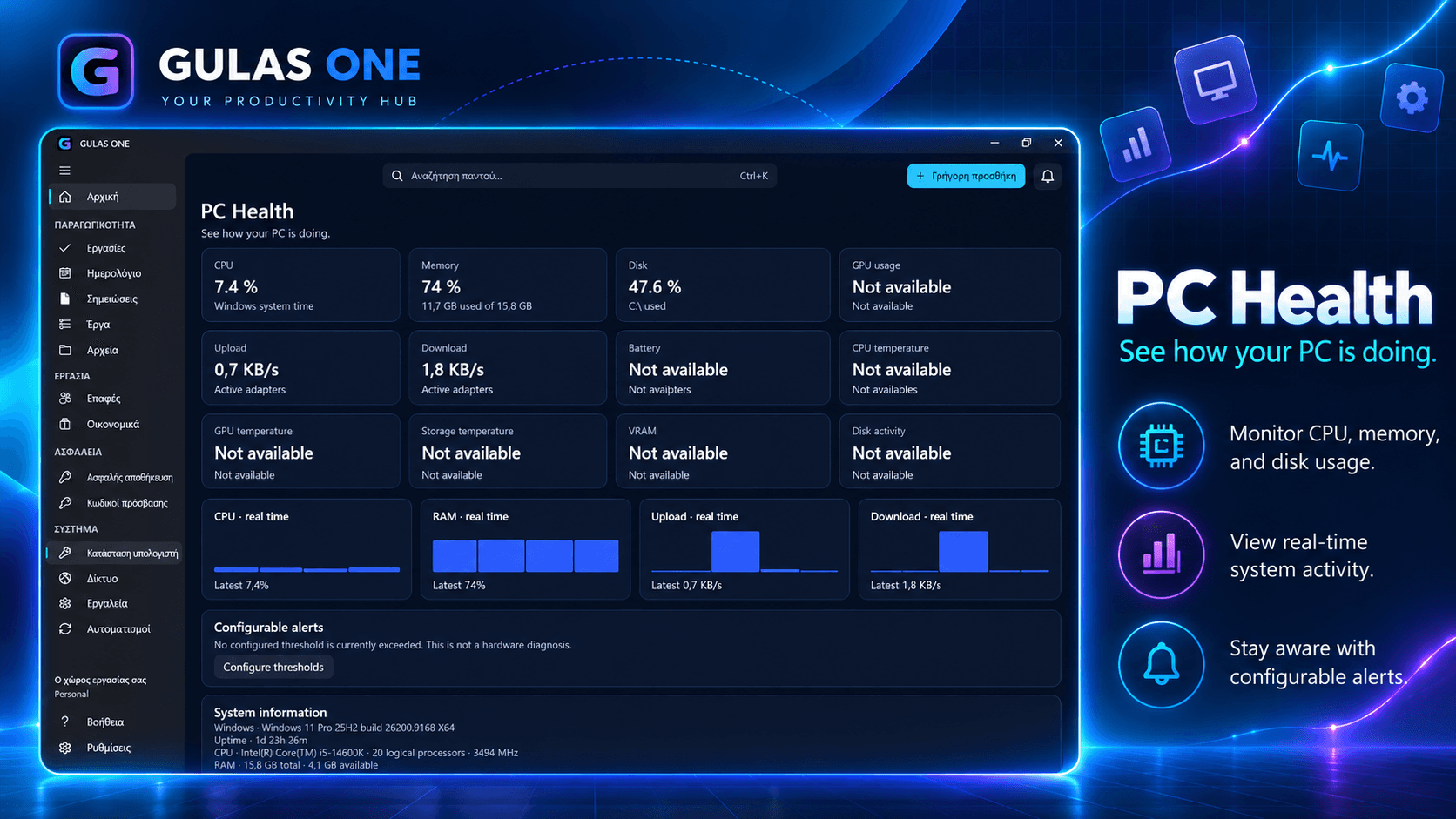
PC Health and network utilities surface useful system context inside the same workspace. They help make routine computer information easier to find without presenting the application as a replacement for Windows administration tools.
Genuine promotional visual from the application.
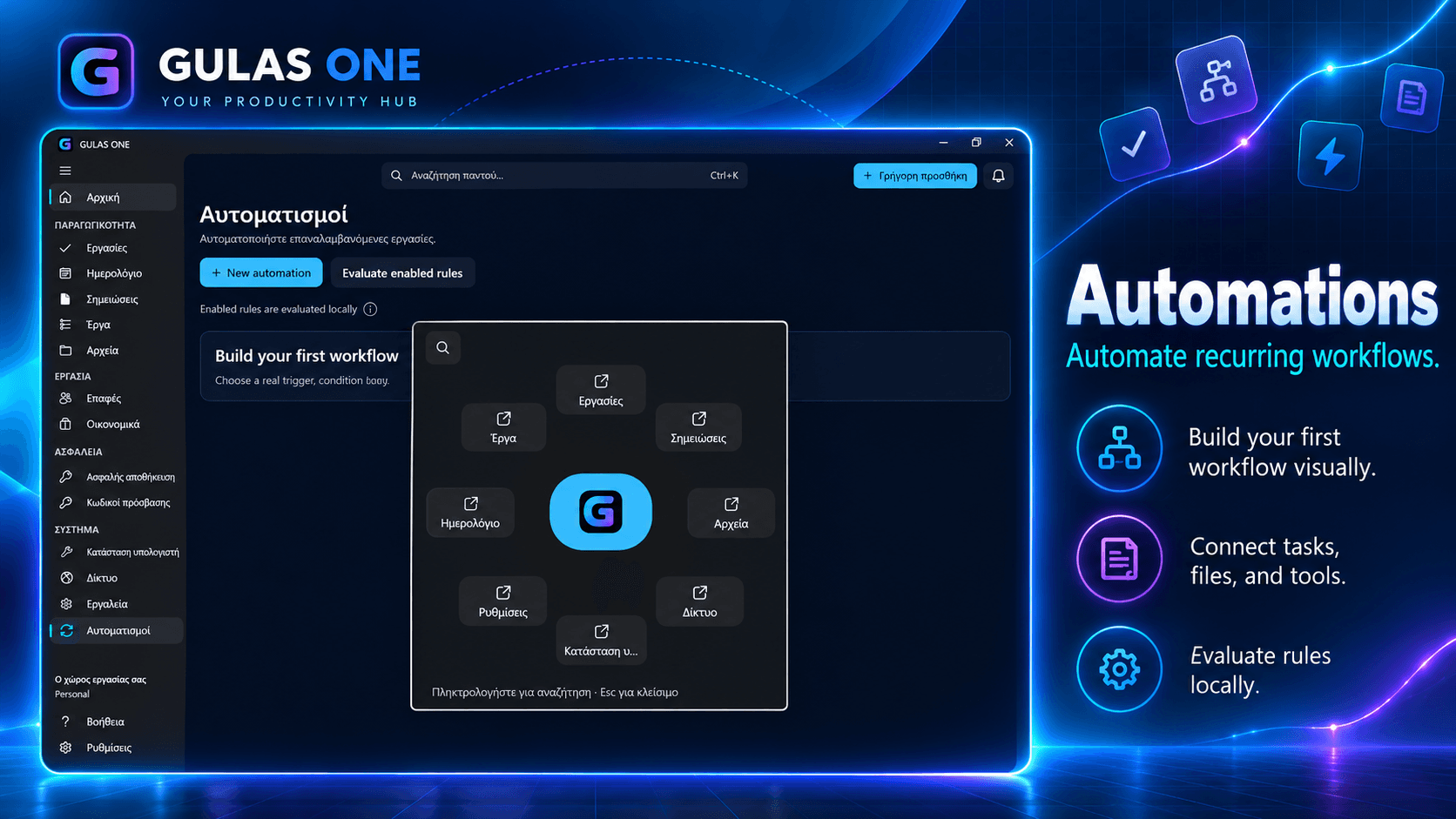
Repeatable routines
Supported automation tools and Quick Wheel access help bring recurring actions closer to the work they support. Review available controls and choose the routines that fit your own desktop habits.
Genuine promotional visual from the application.
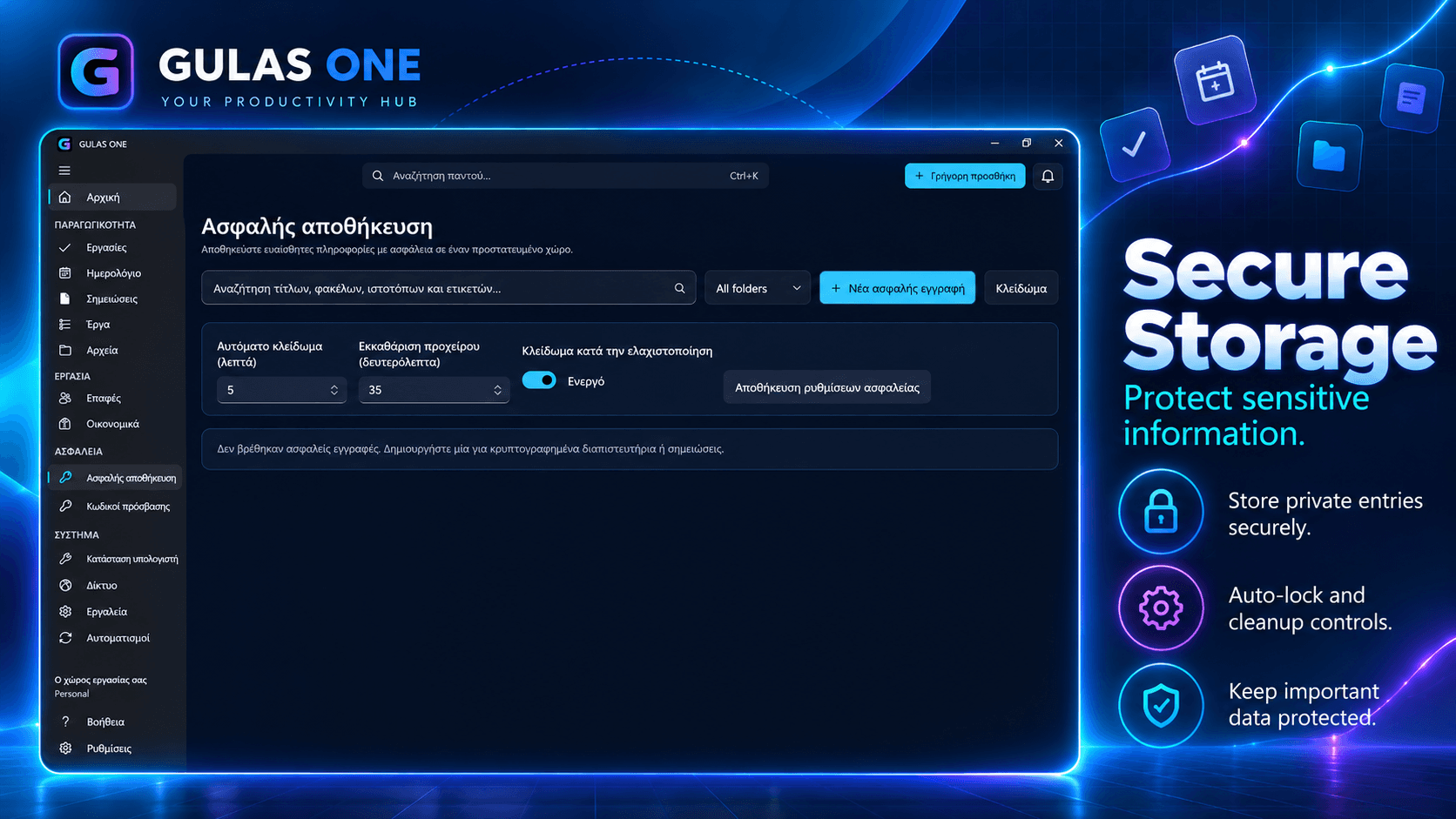
A dedicated secure-storage workspace
Secure Storage provides a dedicated area for sensitive information within the application. It sits alongside planning and organization tools so a working setup can remain coherent rather than fragmented.
Genuine promotional visual from the application.

Built for bilingual Windows work
GULAS ONE supports Greek and English interfaces and combines practical daily tools in one Windows-focused environment. It is for people who want useful structure without an overcomplicated system.
Genuine promotional visual from the application.
AT A GLANCE
A workspace built around GULAS ONE.
PRACTICAL QUESTIONS
Before you begin.
Is GULAS ONE a replacement for every Windows utility?
Review the available features and decide whether they fit how you organize work on Windows.
Which languages are available?
Review the available features and decide whether they fit how you organize work on Windows.
Where do I get the current price and availability?
Pricing and availability are shown in Microsoft Store.
Ready to discover GULAS ONE?
See current details on the official Microsoft Store listing.
View in Microsoft StorePricing and availability are shown in Microsoft Store.